Users and data access
Add people, choose what they can do, and limit which rows each person sees.
For: Admins Where: Admin → Users
Add a person
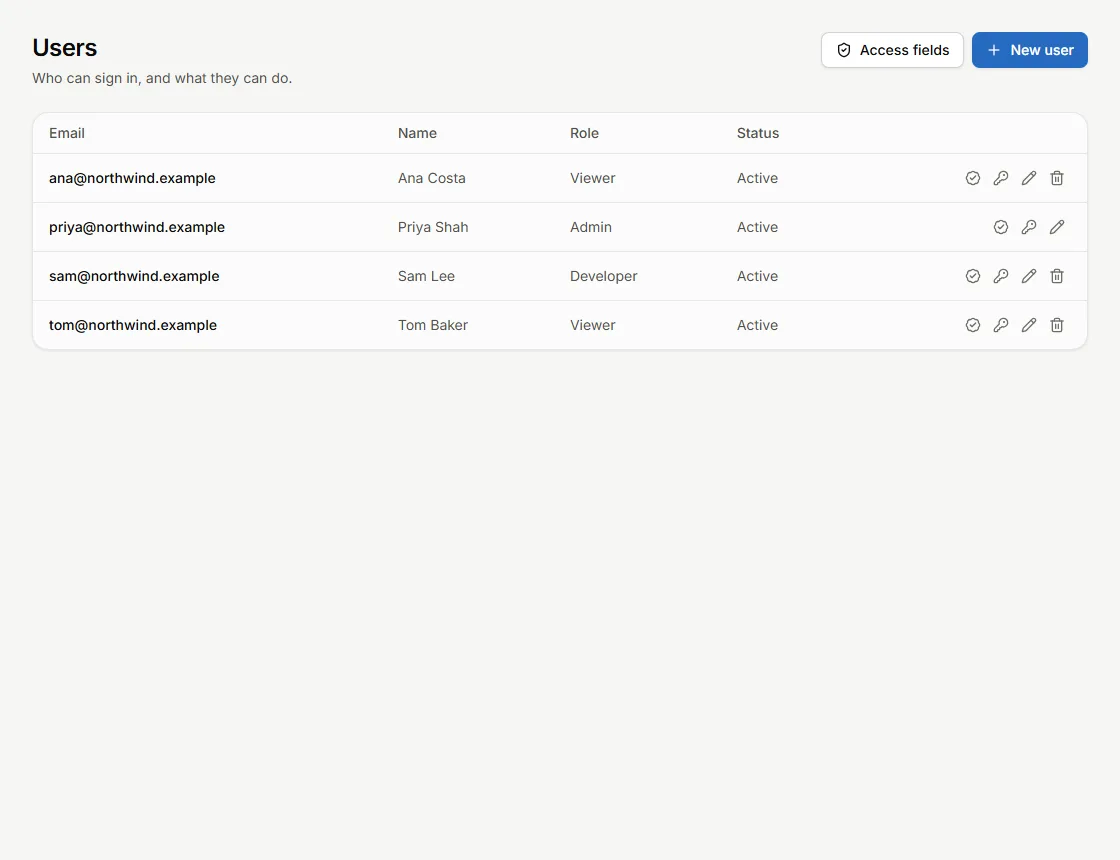
- Go to Users and choose New user.
- Fill in First name, Last name, Email and a Password (at least 10 characters).
- Choose the Role: Admin (everything, including users), Developer (builds reports and connections) or Viewer (sees reports shared with them).
Permissions
The Permissions button on a person switches individual abilities on or off, such as using Ask, uploading files or editing connection guides. Admins always have every permission.
Limit the rows a person sees
- Choose Access fields and add a field, for example Filter name
REGIONand LabelRegion. - On a person, choose Data access and enter their values, separated by commas, for example
North. - In reports, widgets that filter by that variable now only show that person’s rows. Their filter shows Set by your access.
Check it with View as on a report: you see exactly what that person sees.
Example
Northwind adds Tom as a Viewer with Data access Region = North. Tom opens Monthly sales and sees only the North, while Priya, an admin, sees every region.