Audit log
Who did what, when and from where.
For: Admins Where: Admin → Audit log
What is recorded
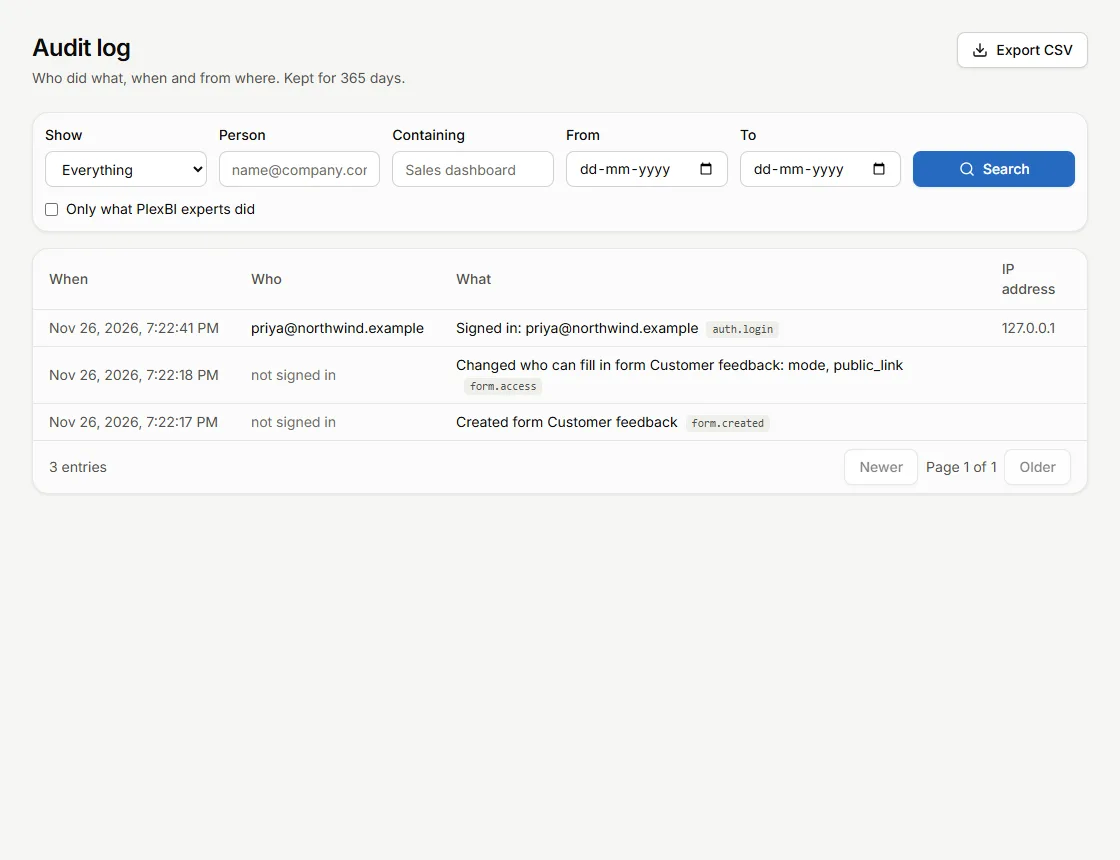
Sign-ins, changes to users and permissions, data access, connections, dashboards, schedules, alerts, downloads and emails, and every AI request word for word. Each entry has When, the person, What, the IP address and the Browser.
Find an entry
- Show a kind of entry, such as Dashboards or Sign-ins.
- Narrow it by Person, by From date, or by text it is Containing, such as a dashboard name. Tick Only what PlexBI experts did to see just the work of experts you invited.
- Open an entry for its Details. For AI requests you see the instructions and table list that were sent.
Example
A widget on Monthly sales changed overnight. Priya shows Dashboards, containing
Monthly sales, and sees which developer edited the widget, and when.