
From the field to the dashboard, without retyping
Inspections, visits and surveys go straight into your database from any phone, and the dashboard is up to date when the form is sent.
Before
- Visit notes are written down, then typed into a system later.
- Mistakes creep in when the same data is entered twice.
- The office sees what happened in the field days afterwards.
With PlexBI
- Data is entered once, where it happens.
- The office sees today’s visits today.
- Answers sit in your own database, ready to report on.
How it works
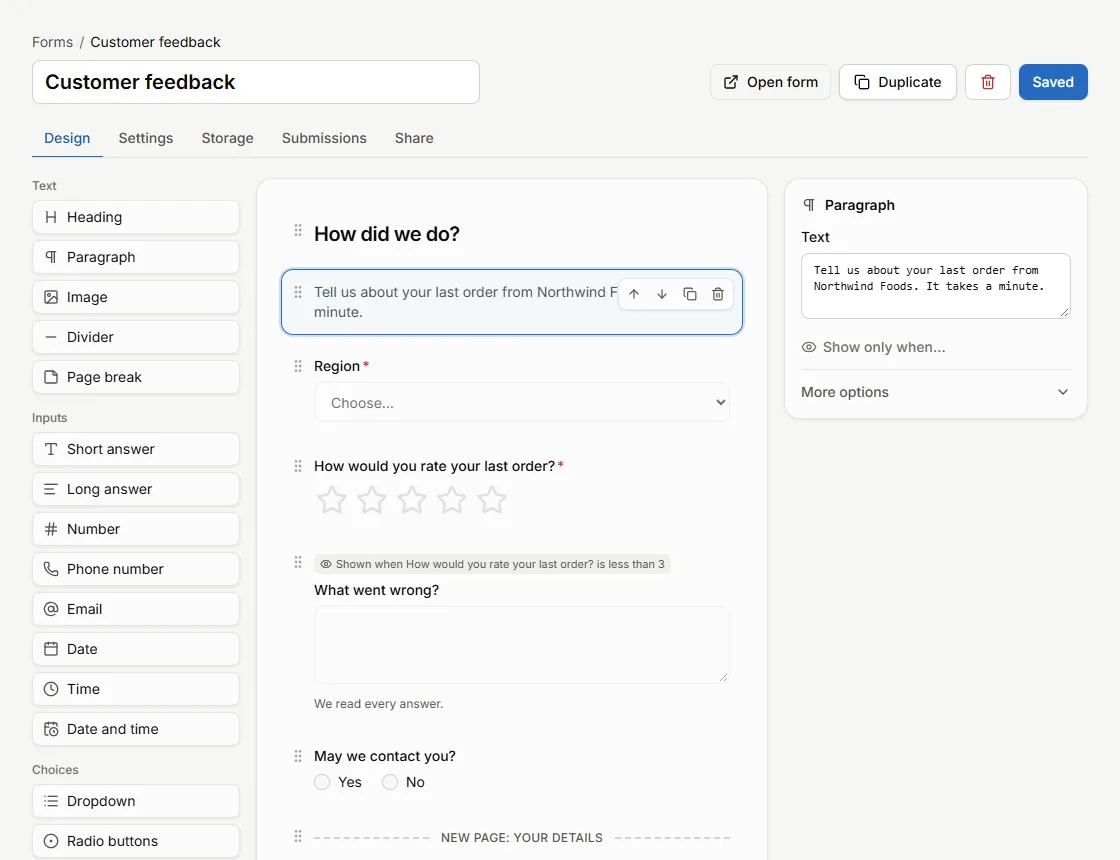
Build the form
Drag and drop the questions. Show or hide questions based on earlier answers.
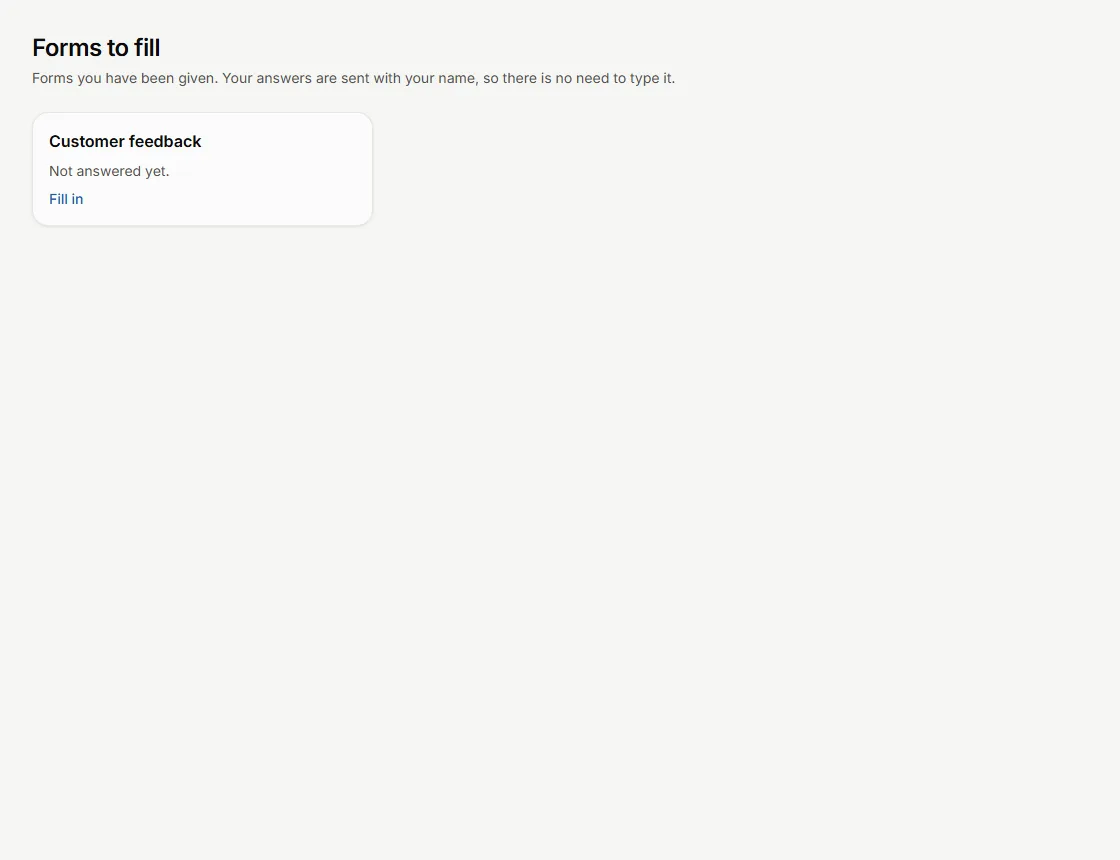
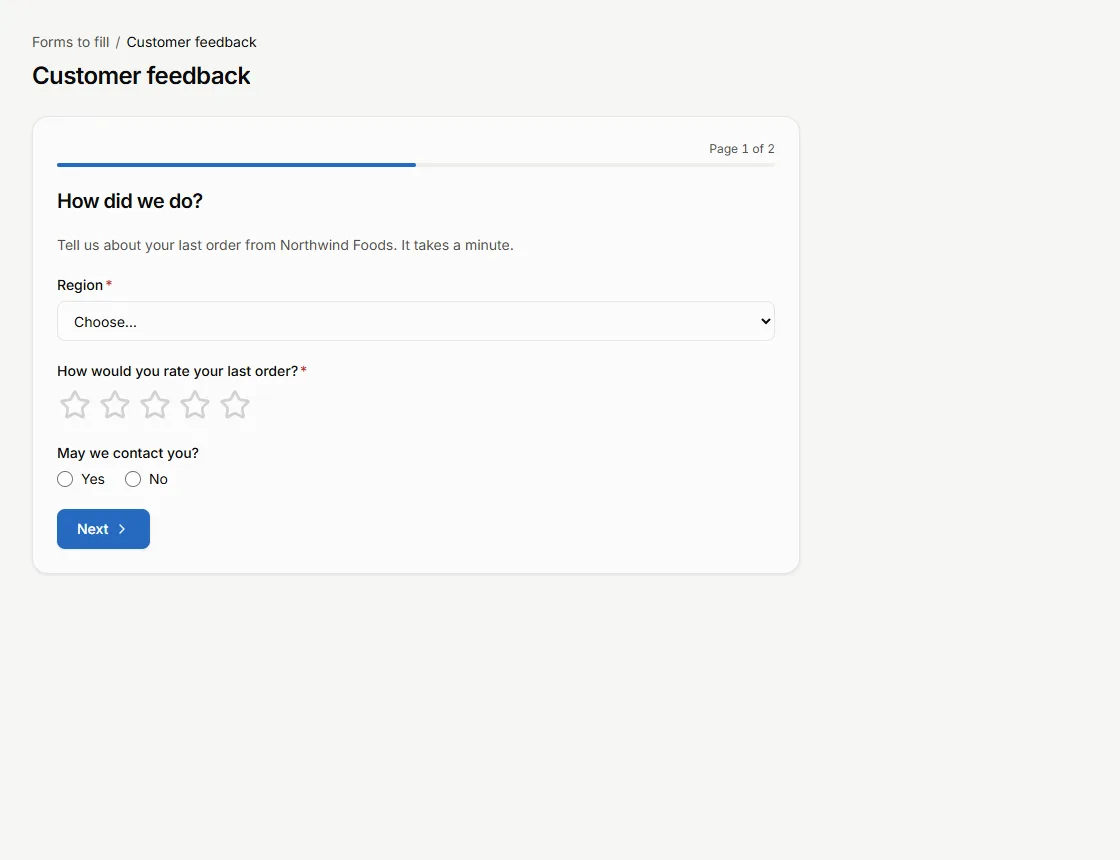
Share it with the team
Signed-in staff find it under Forms to fill. A public link with a robot check and optional password works for anyone else.
Answers go into your database
Each answer is saved as a row, and a ready-made dashboard shows them as they arrive.
Know when it matters
Get an email for each new answer, or a trigger when answers meet a condition.
Step by step in the guide
Other teams
Stop building the sales report every Monday
- Before
- Every Monday, someone copies numbers into a spreadsheet and emails it round.
- With PlexBI
- The sales dashboard lands in the inbox first thing Monday, each rep sees their own region, and an alert fires if revenue drops below plan.
No more spreadsheet Mondays.
Catch problems while you can still fix them
- Before
- A stuck order is found days later, when the customer calls.
- With PlexBI
- A trigger checks every 15 minutes and sends new stuck orders to the warehouse on WhatsApp or Teams, with the list attached.
Problems reach you the same hour.
Give every client their own dashboard
- Before
- Every client wants their own monthly report, built by hand.
- With PlexBI
- One dashboard, embedded in your portal or website. Signed links show each client only their own data, in your branding.
Client reporting without a build project.
Hosted and set up for you
Start turning your data into answers
Try PlexBI free for 7 days on your own database.
Which region grew fastest this quarter?Start free trial- No credit card
- Unlimited users
- Hosted for you
- Or talk to us